Four generations. One hometown.
Your
pharmacy.
Your neighbors.
A familiar face. A helping hand.
A little old-school charm.
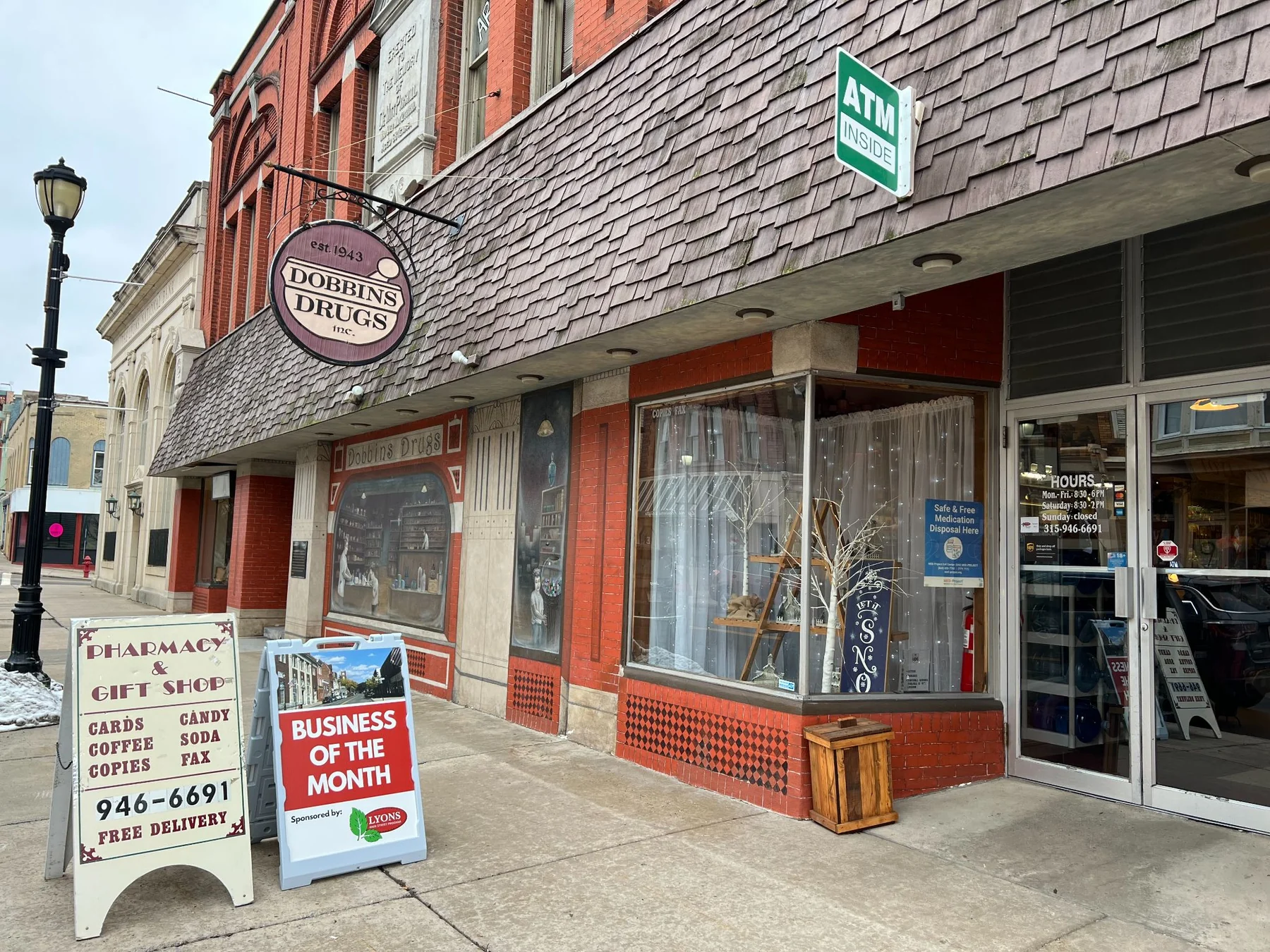
The Dobbins familyWelcomes you.
A little
old school.
A lot of care.
Practical help. Familiar faces. A pharmacy team that takes the time. Five ways to make the everyday a little easier.
Dobbins on your home screen
Your pharmacy.
One tap away.
A web app. No App Store download needed.
Save our patient app to your phone’s Home Screen. Next time, tap its icon to open it.
Open the pharmacy appOpens in a new tab, so you can keep these instructions handy.
https://dobbins.drxrefill.com/app/homeMake it easy to find again
Choose your phone. Follow four steps.
iPhone · Safari
Open in Safari
Tap Open the pharmacy app above. Use Safari on your iPhone.
Open sharing options
Tap Share . If it isn’t visible, open Safari’s Page Menu, then choose Share.
Add to Home Screen
Scroll through the sharing options and choose Add to Home Screen.
Tap Add. You’re set.
If shown, leave Open as Web App switched on, then tap Add. Find the new icon on your Home Screen.
Android · Chrome
Open in Chrome
Tap Open the pharmacy app above. Use Chrome on your Android phone.
Open the browser menu
Tap More in Chrome. Look for the three vertical dots.
Choose the install option
Choose Install and create shortcut. Some versions show Add to Home Screen instead.
Confirm. You’re set.
Tap Install. If you’re offered Create shortcut, choose it, then tap Add.
Generic illustrations; your browser’s appearance may vary.
The app shows an install pop-up? Use Safari’s Share button or Chrome’s three-dot menu to follow these steps. You don’t need the pop-up to add the app.
Opened from Facebook, email or another app? Open this address in Safari on iPhone or Chrome on Android before following the steps.
Can’t find the option?
iPhone: In Safari’s sharing options, scroll to the bottom and tap Edit Actions if Add to Home Screen is missing. Add it to your sharing options, then try again.
Android: Chrome’s wording can vary. Look for Install and create shortcut or Add to Home Screen. If offered Create shortcut, choose it and then tap Add.
You can always use the app in your browser without adding an icon.
It’s been our way since the beginning.
Our customers
come first.
A Lyons tradition.
The years change.
The welcome stays.
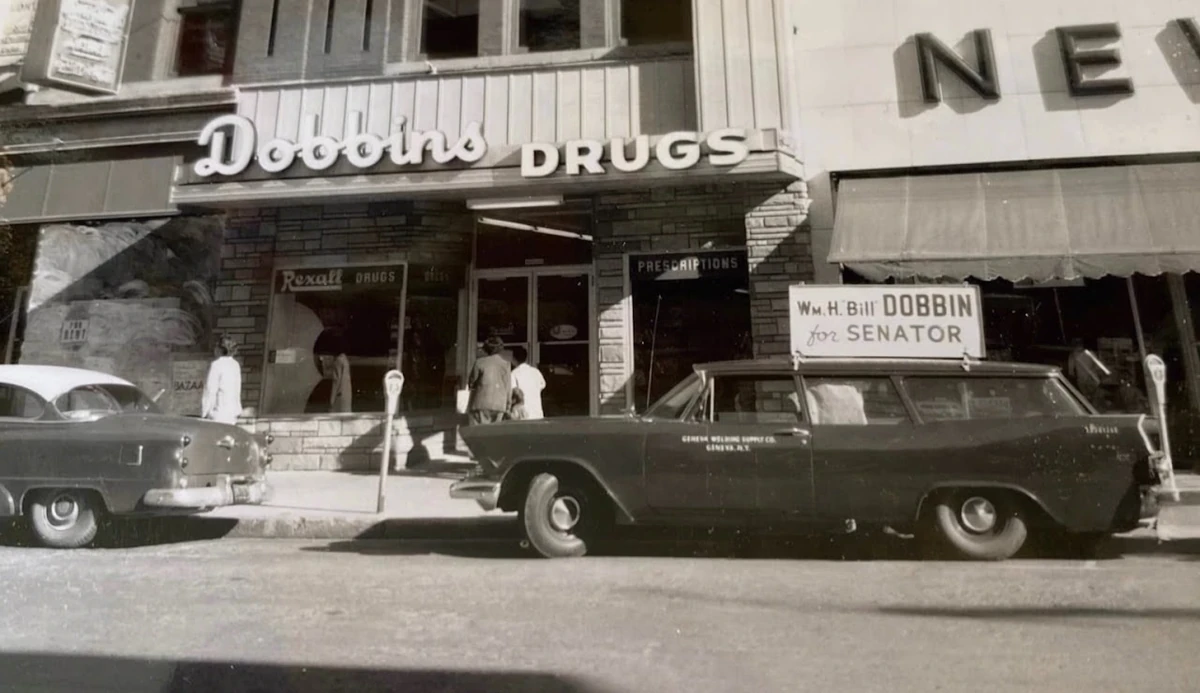
From Bill’s first pharmacy to Sean’s store today, the heart of Dobbins has always been the people on both sides of the counter.
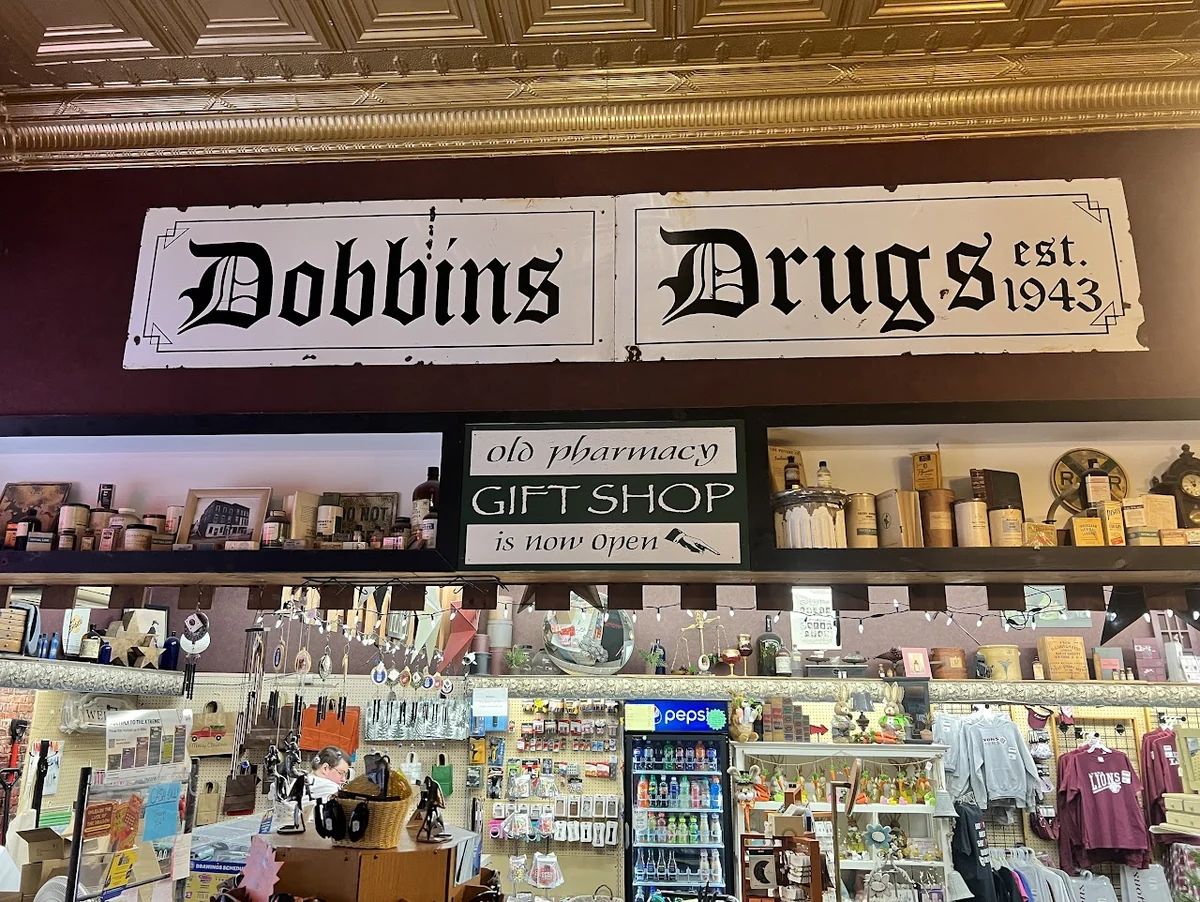
William Street, from the family archive.
1943
Same family spirit.
New chapters to come.
More than a pharmacy.
A little browse.
A lovely find.
A thoughtful gift. A hidden treasure. A bargain you didn’t know you needed.
Come for the pharmacy. Stay for the discoveries.

Something thoughtful. Something unexpected.
The Old Pharmacy Gift Shoppe
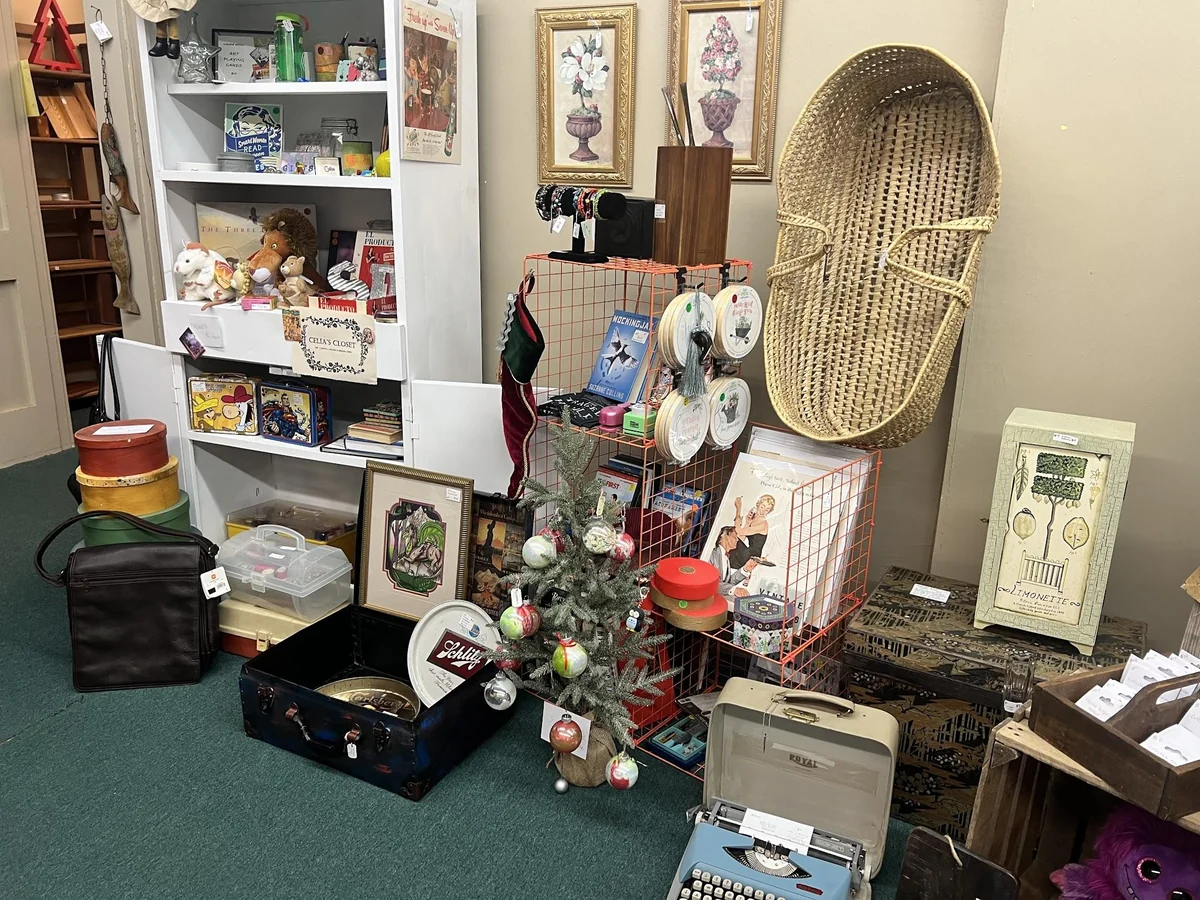
A new story for something special.
Hidden Treasures
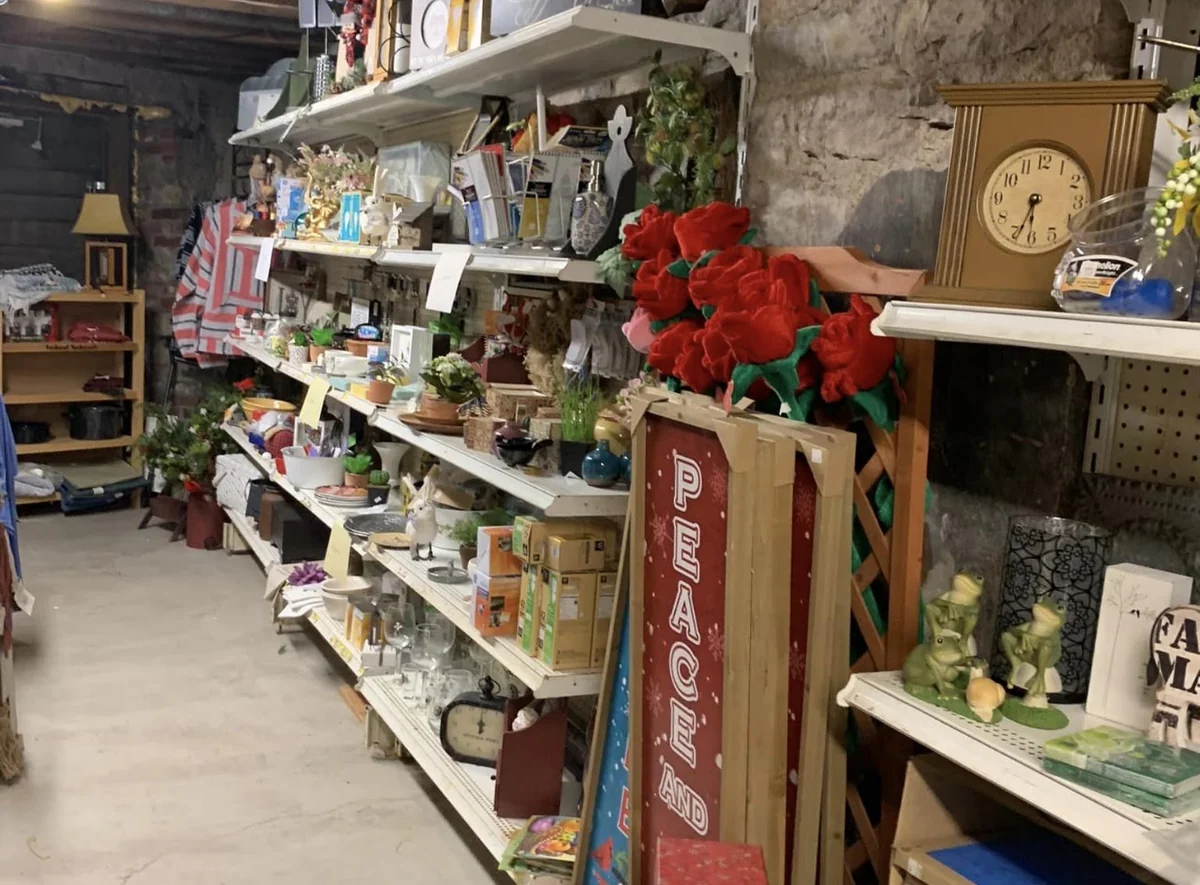
The little thrill of a great find. Half price.
The Bargain Basement
Your hometown. Your family pharmacy.
Generations of
good neighbors.
New here? You won’t be a stranger for long.
Let’s get to know each other.