A quick request.
Refill a prescription.
Go directly to our online refill page to send a prescription refill request to Dobbins Drugs.
Refill prescriptionsNeed a hand? Call 315-946-6691.
 Dobbins DrugsLyons, New York · Since 1943
Dobbins on your home screen
A web app. No App Store download needed.
Save our patient app to your phone’s Home Screen. Next time, tap its icon to open it.
Open the pharmacy appOpens in a new tab, so you can keep these instructions handy.
https://dobbins.drxrefill.com/app/homeMake it easy to find again
Choose your phone. Follow four steps.
Tap Open the pharmacy app above. Use Safari on your iPhone.
Tap Share . If it isn’t visible, open Safari’s Page Menu, then choose Share.
Scroll through the sharing options and choose Add to Home Screen.
If shown, leave Open as Web App switched on, then tap Add. Find the new icon on your Home Screen.
Tap Open the pharmacy app above. Use Chrome on your Android phone.
Tap More in Chrome. Look for the three vertical dots.
Choose Install and create shortcut. Some versions show Add to Home Screen instead.
Tap Install. If you’re offered Create shortcut, choose it, then tap Add.
Generic illustrations; your browser’s appearance may vary.
The app shows an install pop-up? Use Safari’s Share button or Chrome’s three-dot menu to follow these steps. You don’t need the pop-up to add the app.
Opened from Facebook, email or another app? Open this address in Safari on iPhone or Chrome on Android before following the steps.
iPhone: In Safari’s sharing options, scroll to the bottom and tap Edit Actions if Add to Home Screen is missing. Add it to your sharing options, then try again.
Android: Chrome’s wording can vary. Look for Install and create shortcut or Add to Home Screen. If offered Create shortcut, choose it and then tap Add.
You can always use the app in your browser without adding an icon.
A quick request.
Go directly to our online refill page to send a prescription refill request to Dobbins Drugs.
Refill prescriptionsNeed a hand? Call 315-946-6691.
An open line to your pharmacy.
Create an account and verify your email, or sign in. Send messages to the pharmacy, add payment methods and manage billing, and add patients you care for.
First, connect a patient. You must connect a patient before you can view their information. That includes your own profile.
Patient account loginA little note from Lyons, New York.
Your pharmacy. Your neighbors.
Right here on William Street.
Hours of operation
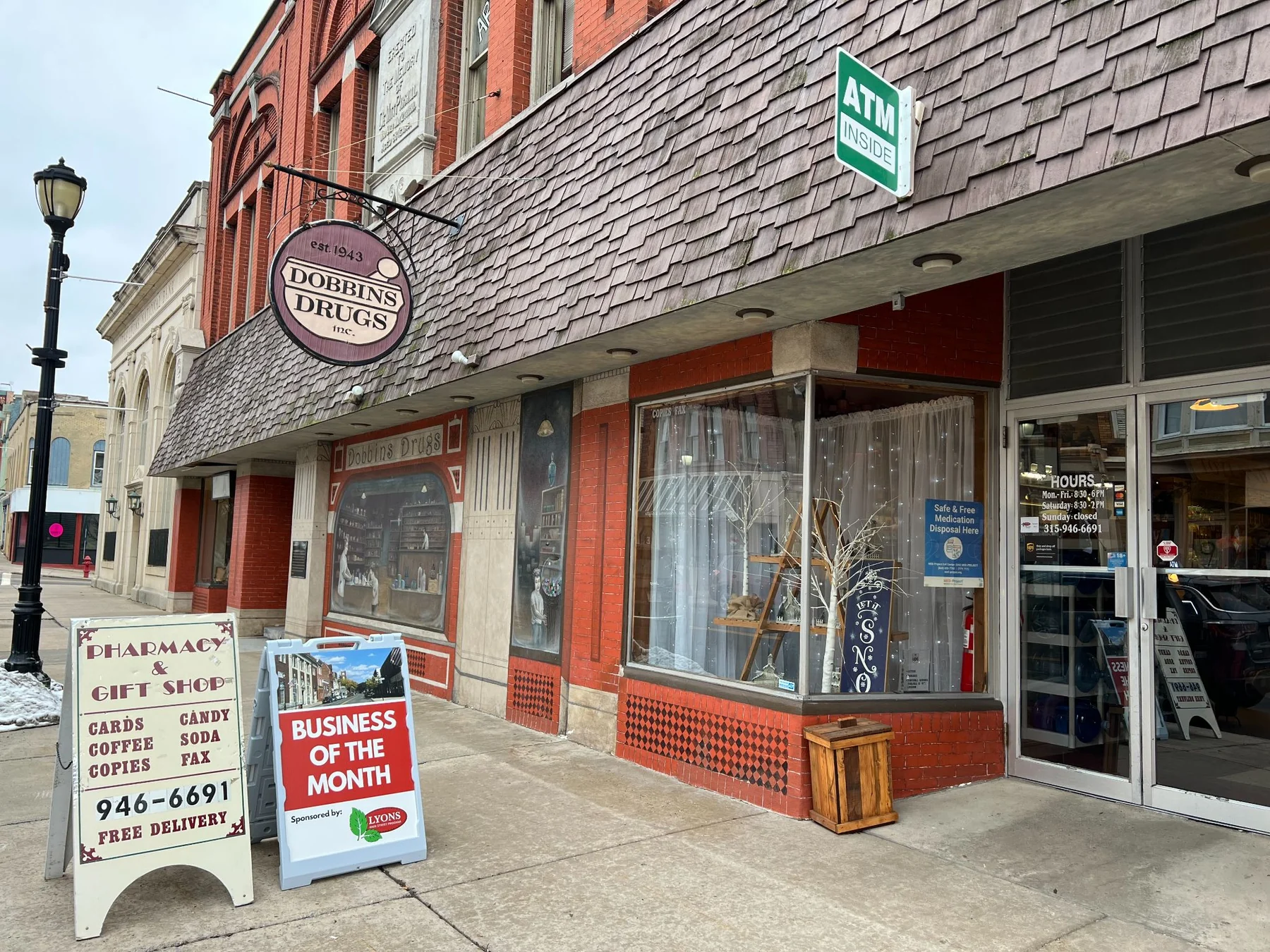
52 William Street / Lyons, New York
An open line.
Sean and the team believe pharmacy care should feel personal. If you’d like to reach Sean directly, send him an email.
Email Sean directly sean@dobbinsdrugs.comWelcome to the neighborhood.
Thinking about making Dobbins your pharmacy? Call, text, or email us. We’ll talk through what you need and help with the next steps.
See what’s happening on Facebook